
Choose your channel and your alerts: how to follow AndalucíaYa and the portals of each province
Each portal in the network has its Telegram channel and its Facebook page, and Málaga, Granada, Cádiz and Melilla also have WhatsApp. Here they all are, so you can choose the one for your province, how to get alerts on your mobile about what interests you and how to have AndalucíaYa as an app.
Redacción ·
Telegram: all the news, as soon as it is published
Join the AndalucíaYa channel on Telegram (opens outside the portal)
Your province's channel
- AlmeríaYa (Almería): t.me/almeriaya
- CádizYa (Cádiz): t.me/cadizya
- InfoCórdoba (Córdoba): t.me/infocordoba
- GranadaYa (Granada): t.me/granadaya
- ElOnubense (Huelva): t.me/elonubense
- JaénYa (Jaén): t.me/jaenyacom
- InforMálaga (Málaga): t.me/informalaga
- YaSevilla (Sevilla): t.me/yasevilla
- CeutaInforma (Ceuta): t.me/ceutainformacom
- MeliYa (Melilla): t.me/infomelilla
- CádizYa (Cádiz): whatsapp.com/channel/0029VbEB32gADTOKmk9itj1S
- GranadaYa (Granada): whatsapp.com/channel/0029Vb9UcUw1SWt30e1hWW2O
- InforMálaga (Málaga): whatsapp.com/channel/0029VbE1DYI7NoZvaPCh282g
- MeliYa (Melilla): whatsapp.com/channel/0029VaD6uwILI8YQRXadE33j
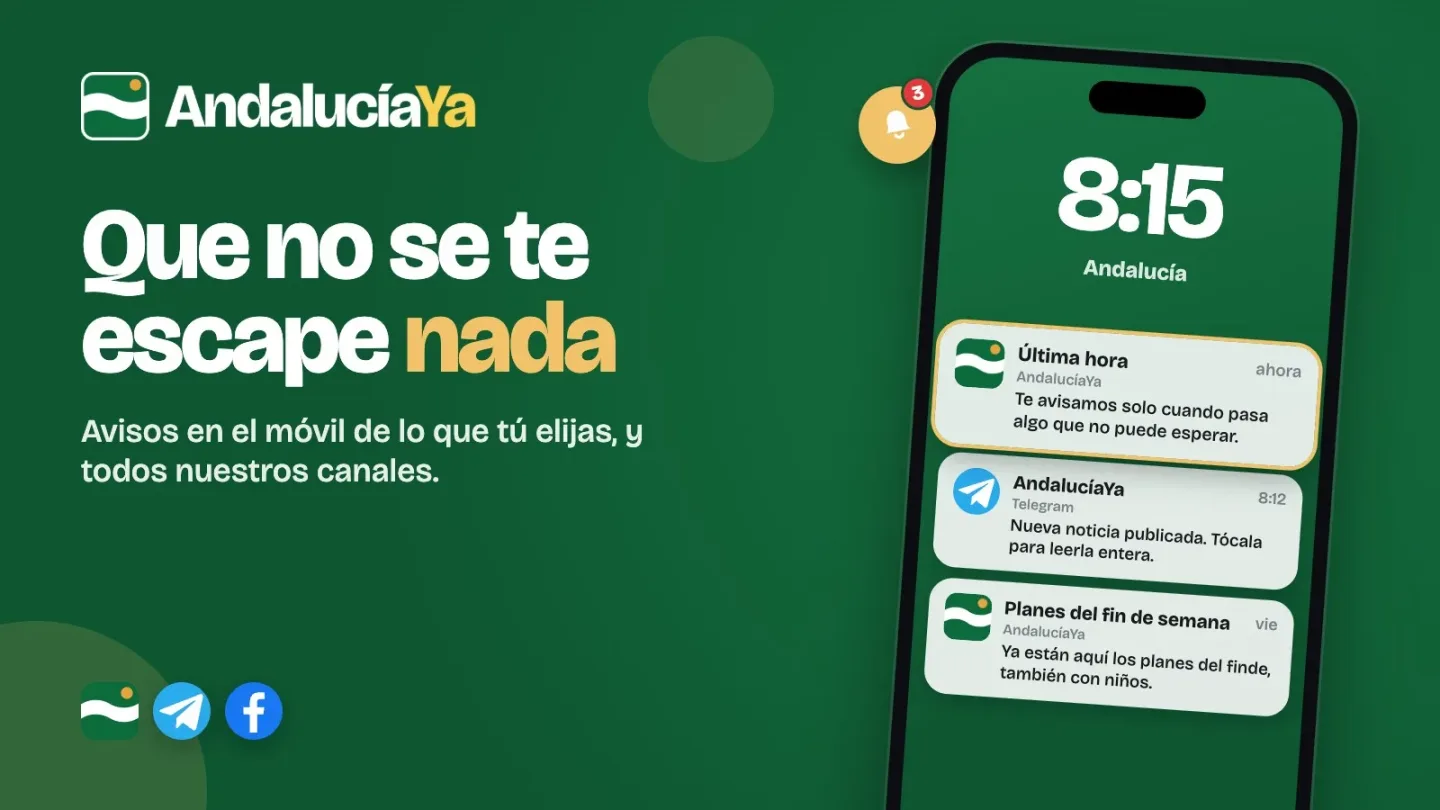
Alerts on your phone, only about what interests you
- Weekend plans and plans with kids, every Friday.
- The new concerts added to the agenda.
- Breaking news, only when something happens that can't wait.
AndalucíaYa on your home screen, like an app
- On the iPhone, with Safari: open andaluciaya.com, tap «Compartir» and then «Añadir a pantalla de inicio».
- On Android, with Chrome: open andaluciaya.com, tap the three dots at the top right and then «Instalar» (or «Añadir a pantalla de inicio»).
- On a Samsung: the «≡» menu at the bottom, «Añadir página a» and «Pantalla de inicio».
AndalucíaYa on Facebook (opens outside the portal)
On Google, AndalucíaYa first
Choose AndalucíaYa on Google (opens outside the portal)
Breaking news from News, on your phone
An alert only when something can't wait. Free, no account needed.
On iPhone, alerts only arrive if you first add AndalucíaYa to your Home Screen. How to do it, step by step
This browser can't receive alerts. Try another one, such as Chrome or Safari.
You've blocked alerts from AndalucíaYa in this browser. You can turn them back on in its settings. How to do it, step by step
Only what can't wait. Change or remove it in my alerts
Shall we let you know what matters?
Phone alerts
On iPhone, alerts only arrive if you first add AndalucíaYa to your Home Screen. How to do it, step by step
This browser can't receive alerts. Try another one, such as Chrome or Safari.
You've blocked alerts from AndalucíaYa in this browser. You can turn them back on in its settings. How to do it, step by step